Google Messages Begins Rolling Out Enhanced Protection Mode to Fight Spam and Scams
The opt-in setting for Android adds cloud-based Gemini scam detection, smarter link checks and redesigned warnings to the existing spam filters.
By News Media House Staff ·
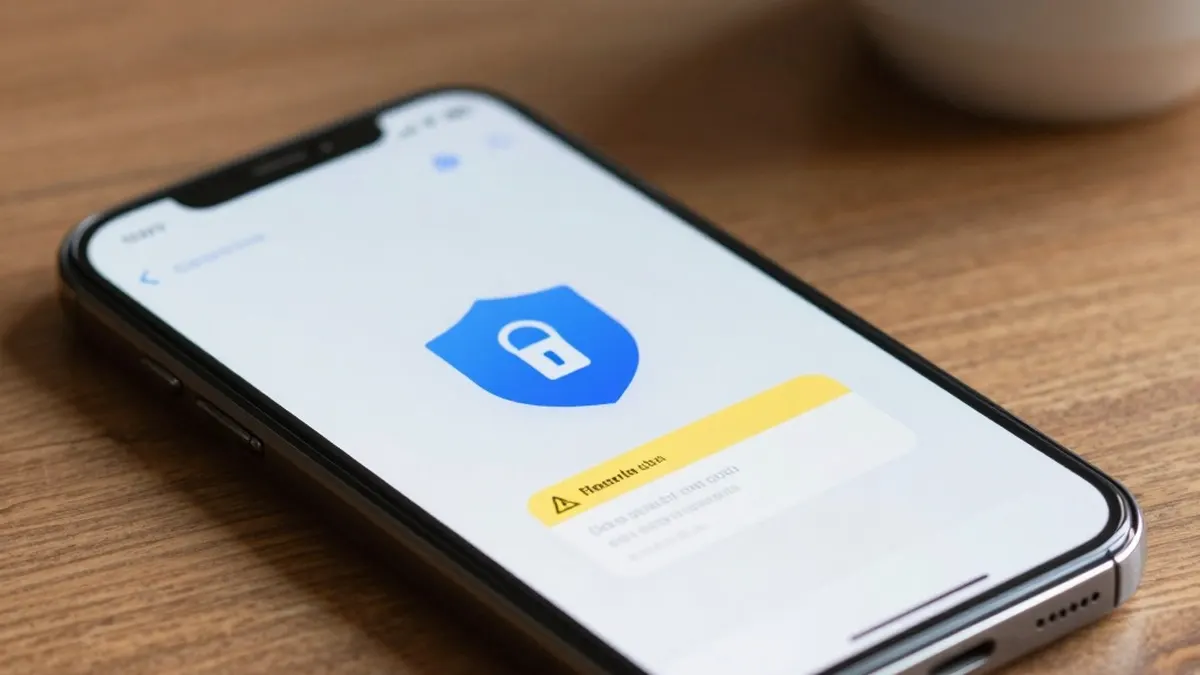
Google Messages for Android is starting to roll out an Enhanced Protection mode designed to counter spam and scams, following an announcement made earlier this month.
Until now, the app has offered Standard Protection, which blocks spam and suspected harmful links. The new tier adds what Google describes as advanced detection to prevent spam and scams, and it launches with three core features.
The first is Scam Detection, which relies on cloud-based Gemini models to assess the broader context of a message thread and work out a scammer's intent more quickly when a user is talking with an unknown sender. Google says this approach handles novel and sophisticated attacks better than the detection that already runs on the device.
To protect privacy, the feature uses Android's Private AI Compute system. Messages are encrypted and processed in a secure space that Google describes as private to the user and not available to anyone else, including Google itself.
The second feature is enhanced link protection. It combines the on-device Gemini Nano model with real-time web signals to judge whether an unfamiliar link can be trusted before the user taps it. This capability is available on the Pixel 10 and newer, the Samsung Galaxy S26 series, the Galaxy Z Flip 8 and Z Fold 8, as well as other select devices.
The third change is a redesign of warnings. For links sent by numbers that are not saved in a user's contacts, the new alerts give people more time and more context so they can pause before tapping.
Enhanced Protection is opt-in. Users can turn it on by opening Google Messages settings and choosing Protection & safety. Rather than a simple on/off switch, the menu now presents three choices: Enhanced protection, Standard protection, and No protection, which the app labels as not recommended.
The option has been spotted in the latest Google Messages beta, version 20261020_00_RC00, according to 9to5Google.
Originally published by News Media House · Source: 9to5Google