PhoneBox turns forgotten Android tablets into dedicated PC terminals
A new tool allows users to repurpose old Android devices as secondary computer screens with a simple one-command Linux installation.
By Pedro Tanaka ·
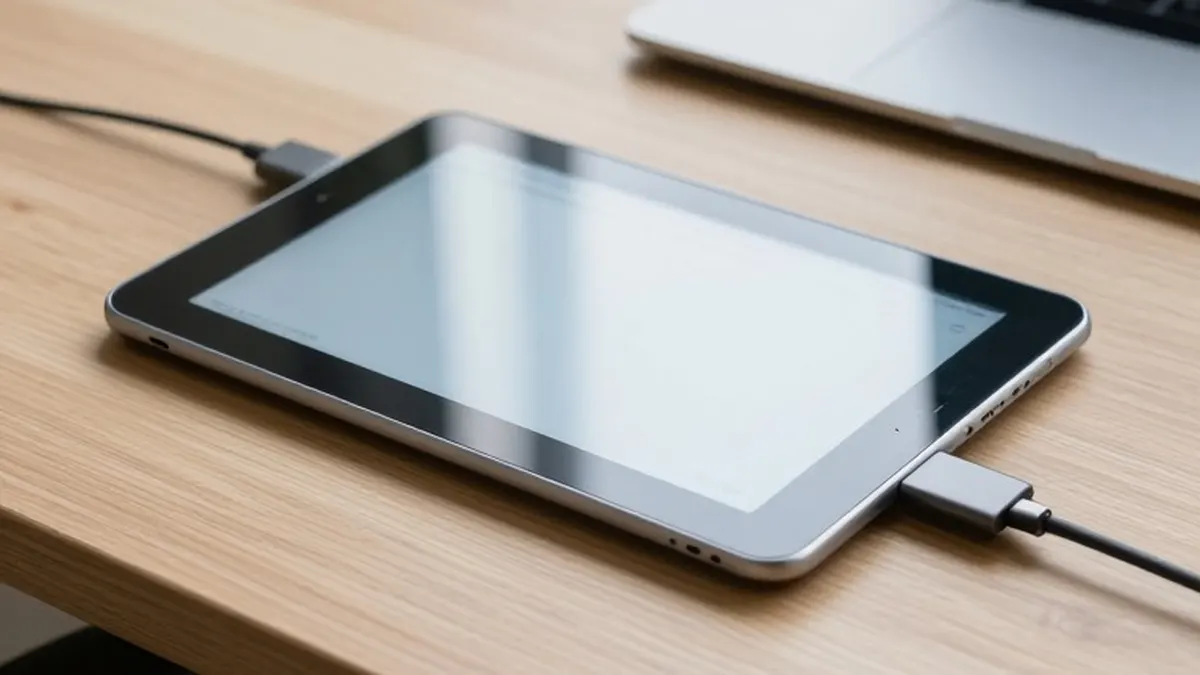
Many households contain electronic devices that remain fully functional but no longer serve as daily drivers. These items often end up in storage drawers, gathering dust until they are eventually erased and donated. A new tool called PhoneBox offers a practical solution for these overlooked gadgets, transforming them into useful components of a modern workspace.
The concept addresses a common scenario where a user owns a tablet or phone that is in good working order but lacks the specific features needed for primary use. Instead of letting the device sit idle, PhoneBox provides a method to integrate it into a desktop setup. This approach prevents the accumulation of unused technology and gives older hardware a second life.
For this project, an AllDoCube iPlay 50 mini Pro 8.4-inch tablet was selected as the test candidate. The device had originally been purchased second-hand with the intention of using it for gaming and emulation alongside a telescopic control deck. However, the user quickly determined that a dedicated device was preferable for those tasks. Consequently, the tablet had been stored in a kitchen junk drawer, which previously held takeout menus and coupons.
Setting up PhoneBox on the Android tablet and a personal computer is described as an exceptionally simple process. The installation requires no complex configuration or manual file transfers. Users only need to ensure that their Android device is set to developer mode before proceeding with the connection.
The connection is established by plugging the Android tablet into the PC via a USB cable. Once connected, the user executes a single command copied into a Linux terminal. This single action initiates the entire setup process, eliminating the need for multiple steps or separate download sites.
The terminal script handles several critical tasks automatically. It downloads the PhoneBox 0.9.29 software specifically for the PC. The script also verifies the downloaded checksum against the official release to ensure integrity. Following these technical checks, the system walks the user through a few quick yes or no installation questions.
The installation process includes options for system integration. The script offers to create a systemd user service, which ensures that the desktop agent launches automatically after the initial login. This feature allows the tablet to function as a persistent part of the desktop environment without manual startup every time the computer is turned on.
Additionally, the script asks if the user wishes to install the PhoneBox application package, or APK, directly onto the connected Android device. This step ensures that the mobile hardware is properly paired with the computer software. The streamlined nature of the installation makes it accessible to users who may not be advanced technicians.
This method effectively repurposes devices that might otherwise be discarded. By turning a forgotten tablet into a terminal or display, users can expand their desktop capabilities without purchasing new hardware. The solution highlights the potential value of existing technology in modern computing setups.
More News · National news · Report a business · Got a Story?